

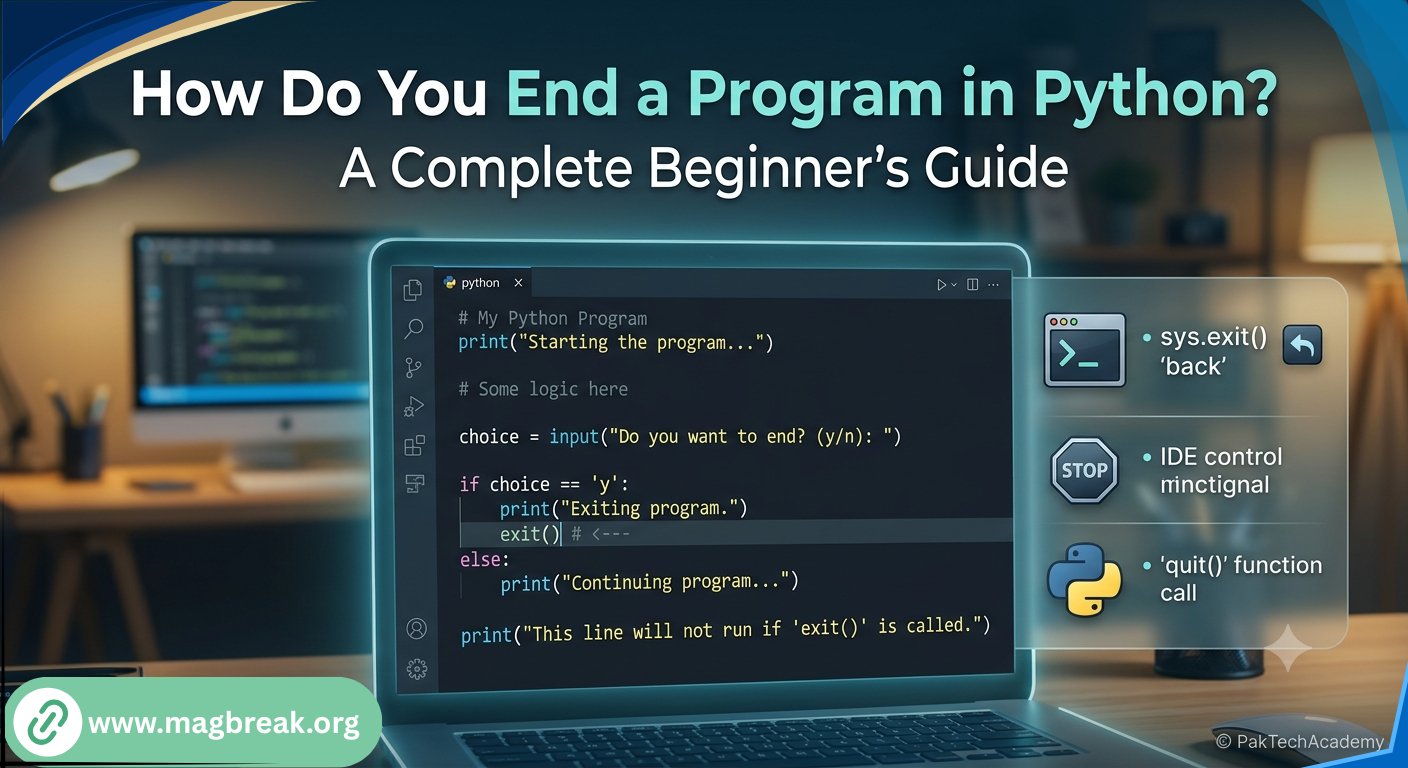
Quick Answer: You can end a program in Python using several built in methods, including sys. exit(), quit(), exit(), or simply letting the script reach its natural end. Each method behaves slightly differently depending on whether you are working in a script, a loop, or an interactive session. Choosing the right one depends on what part of your program you want to stop.
Why Would You Need To End A Program In Python?
Sometimes a program needs to stop early, whether due to an error, a specific condition, or simply because the task is complete.
Beginners often assume Python programs only end when the code finishes running from top to bottom. In reality, Python gives you several tools to stop execution exactly when you need to.
The tech team at Mag Break often gets questions from new coders trying to understand these differences, since picking the wrong method can sometimes cause unexpected errors.
What Is The Simplest Way To End A Python Program?
For most beginner scripts, the simplest way to stop a program is to let it run to the end of the code naturally.
Letting The Script Finish Naturally
Once Python executes the last line of your script, the program automatically ends. No special command is required for this basic case.
Using Return Inside A Function
If you want to stop a function early without ending the entire program, using return works perfectly. It exits the function immediately and sends control back to wherever it was called.
How Do You Use sys.exit() To End A Program?
sys.exit() is one of the most common and reliable ways to stop a Python program cleanly.
Basic Usage
You first need to import the sys module, then call the exit function whenever you want the program to stop. It works well inside scripts, especially when combined with conditions, and immediately halts execution at that exact point.
Passing An Exit Code
You can also pass a number to this function, which is useful for indicating whether a program ended successfully or with an error, especially in larger applications where other tools check that status.
When Should You Use quit() Or exit()?
quit() and exit() are simple built in functions, but they come with an important limitation beginners should know.
These functions are primarily meant for use in interactive sessions, like the Python shell or Jupyter notebooks. They are not recommended inside production scripts, since they rely on a helper module being loaded, which is not always guaranteed.
How Do You Stop A Loop Without Ending The Whole Program?
Sometimes you only want to stop a loop, not the entire program, and Python has a dedicated tool for that.
Using Break
The break statement immediately stops the nearest loop it is inside, while allowing the rest of the program to continue running normally afterward. It is one of the most commonly used control statements for beginners.
Using Continue For Partial Control
While not exactly ending anything, continue is often confused with break. It skips the current loop iteration instead of stopping the loop entirely, which is useful in different situations.
How Do You Handle Errors That Stop A Program Unexpectedly?
Sometimes programs stop not because you told them to, but because of an unhandled error.
Using try and except blocks allows you to catch errors gracefully instead of letting the program crash abruptly. This gives you full control over how and when the program actually stops, rather than leaving it to chance.
What Is The Difference Between exit(), sys.exit(), And os._exit()?
Each of these methods ends a program, but they behave differently under the hood, which matters more as your programs grow.
exit() and quit() are best for quick interactive use only. sys.exit() is the standard, safe choice for scripts, since it raises an exception that can still be caught if needed. The os based exit function is far more forceful, immediately terminating the program without cleanup, and is rarely needed outside of specific low level use cases.
The team at Mag Break generally recommends sticking with sys.exit() for most beginner and intermediate projects, since it balances simplicity with safety.
Frequently Asked Questions
Here are quick answers to the most common beginner questions about ending Python programs.
What is the easiest way to end a Python program?
Letting the script run to its final line naturally is the simplest method, with sys.exit() being the most common intentional stopping method.
Is it safe to use quit() in a Python script?
It is better to avoid quit() and exit() in scripts, since they are designed mainly for interactive sessions like the Python shell.
How do I stop a loop without ending the entire program?
Use the break statement to exit a loop immediately while allowing the rest of the program to continue running.
What does sys. exit() actually do?
It raises an exception that stops the program while still allowing certain cleanup code to run if needed.
When should I use os._exit() instead of sys.exit()?
This should only be used in rare, low level cases where immediate termination without cleanup is required.
Can I stop a Python program based on user input?
Yes, you can combine user input with a condition and sys.exit() to end a program based on what the user types.